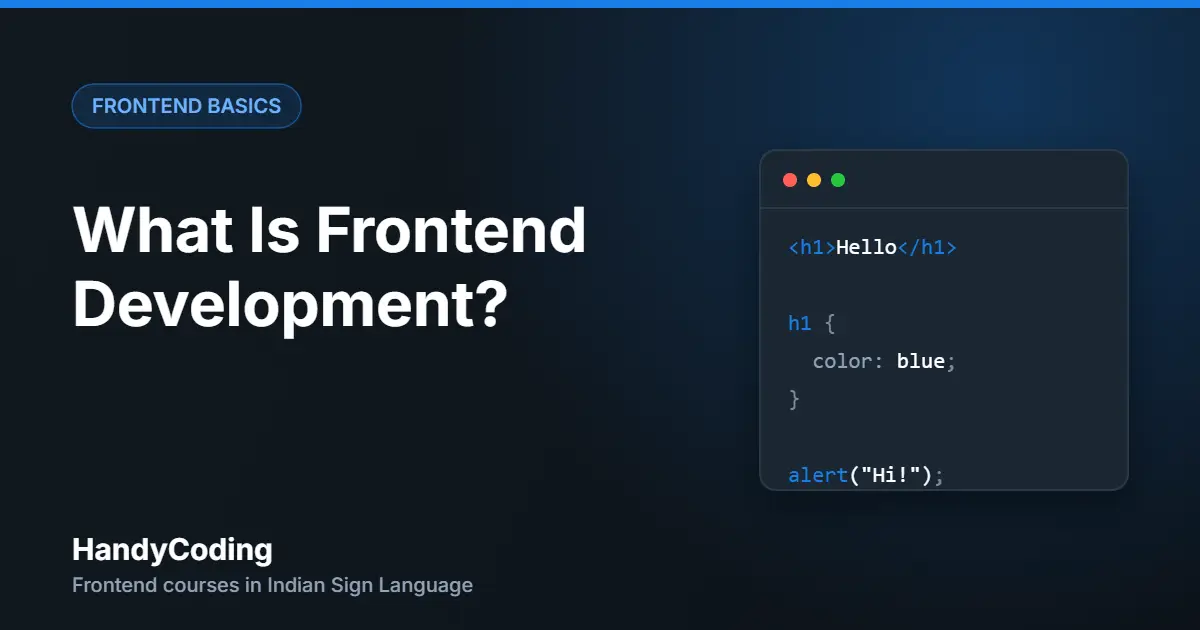
When you open a website, everything you see on the screen is frontend: the text, the buttons, the colours, the menu. Frontend development is the work of building that visible part.
This guide explains frontend development in simple words. You do not need any coding experience to follow it.
What is frontend development?
A website has two sides:
- Frontend – the part you see and use in the browser.
- Backend – the part that runs on a server. It stores data, checks logins and processes payments.
Think of a restaurant. The dining area, the menu card and the plates are the frontend. The kitchen is the backend. Customers never see the kitchen, but they see everything on the table.
A frontend developer builds the “dining area” of a website.
The three core languages of frontend
Almost every website uses the same three languages.
1. HTML – the structure
HTML tells the browser what is on the page: a heading, a paragraph, an image, a button, a form.
<h1>Welcome to my website</h1>
<p>This is my first paragraph.</p>
<button>Click me</button>
2. CSS – the design
CSS controls how the page looks: colours, fonts, spacing and layout. CSS also makes a website fit on mobile, tablet and desktop screens. This is called responsive design.
h1 {
  color: #197fe6;
  font-size: 40px;
}
3. JavaScript – the action
JavaScript makes the page do things: open a menu, show a message, check a form, or load new content without reloading the page.
const button = document.querySelector("button");

button.addEventListener("click", () => {
  alert("Hello!");
});
A simple way to remember it: HTML is the skeleton, CSS is the skin and clothes, and JavaScript is the muscles.
What does a frontend developer do?
- Turns a design into a working web page.
- Makes the page work on mobile, tablet and desktop.
- Fixes layout problems and browser bugs.
- Makes the website fast and easy to use.
- Makes the website accessible, so everyone can use it – including people who use a keyboard, a screen reader or captions.
Tools you need to start
Good news: all of them are free.
- A computer – Windows, Mac or Linux.
- A browser – Google Chrome is a good choice.
- A code editor – Visual Studio Code is the most popular one.
That is all. You do not need a powerful laptop or paid software.
A simple learning path
- HTML – learn to build the structure of a page.
- CSS – learn to style it. Then learn Flexbox and Grid for layout.
- Responsive design – make the page work on every screen size.
- Bootstrap – build faster with ready-made components.
- JavaScript – add interaction.
- Projects – build real pages and add them to your portfolio.
Do not try to learn everything at once. Follow the order, and practice a little every day.
Common questions
Do I need a degree to become a frontend developer?
A degree can help in some companies, but it is not required. What matters most is what you can build. A portfolio of real projects shows your skill.
Do I need to be good at maths?
No. Basic school maths is enough for HTML and CSS.
How long does it take to learn frontend development?
It depends on how much you practice. With regular practice, most beginners can build simple responsive web pages in a few months.
Can I learn frontend development in Indian Sign Language?
Yes. HandyCoding lessons are made with Indian Sign Language (ISL) support, captions and clear visual steps.
Start learning today
The best way to understand frontend development is to write your first line of code. Our beginner course starts from zero and covers HTML5, CSS3, Flexbox, Grid, responsive design and Bootstrap 5 – with ISL support and real projects.
Or see all courses.