Frontend Development: From Zero to Advanced — HTML, CSS & Bootstrap
About Course
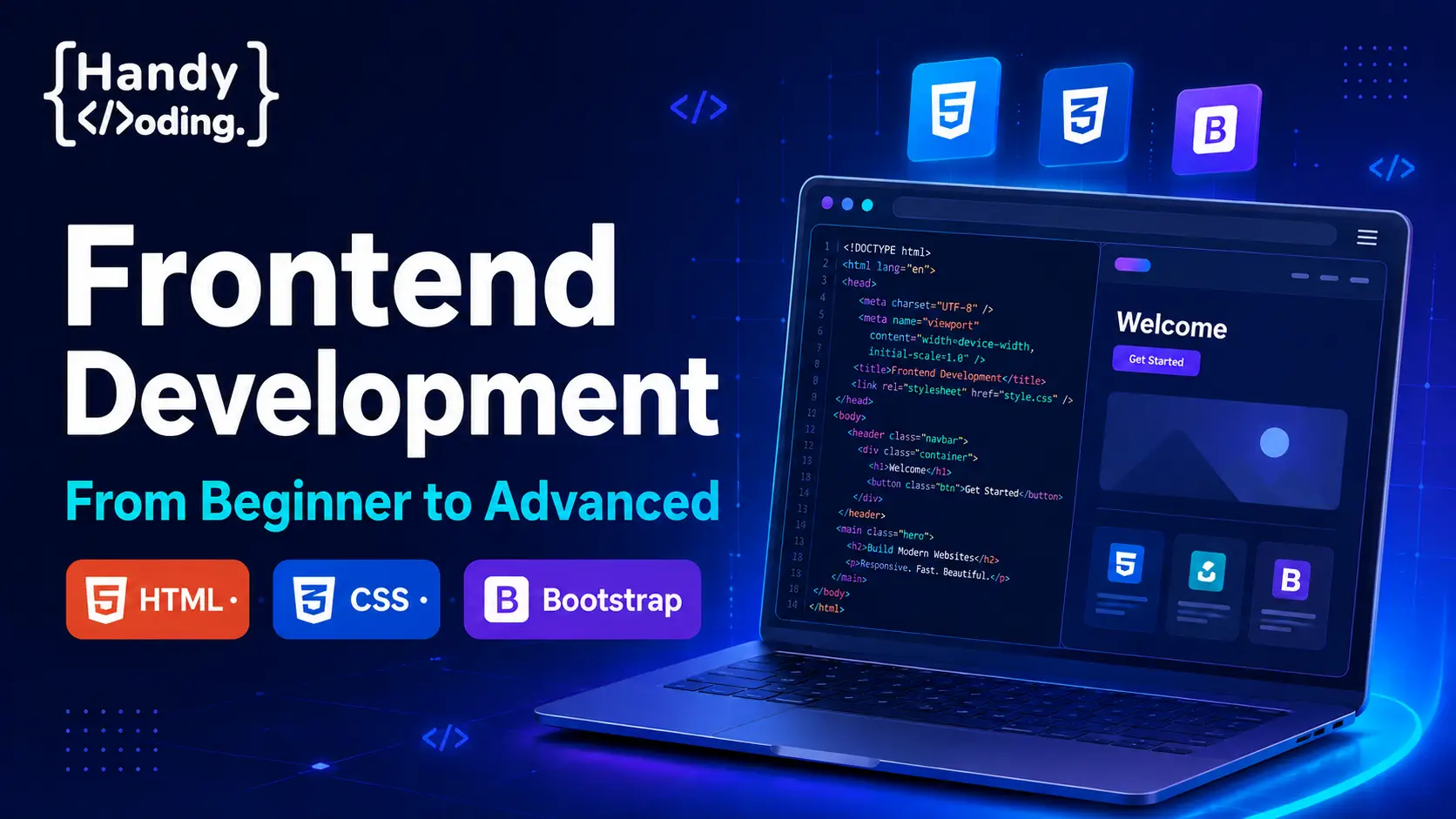
Frontend Development: From Beginner to Advanced
Learn frontend web development through step-by-step lessons, practical examples, coding exercises, and real-world projects.
01
COURSE OVERVIEW
Start Your Frontend Development Journey
This course is specially designed for beginners who want to create modern, attractive, professional, and mobile-friendly websites. Every topic is explained clearly using practical examples, visual demonstrations, coding exercises, and real-world projects.
02
COURSE CURRICULUM
What You Will Learn
- Introduction to frontend development
- Visual Studio Code installation and setup
- HTML5 document structure and syntax
- Headings, paragraphs, lists, links, and images
- Audio and video elements
- Tables, forms, inputs, and validation
- Semantic HTML5 elements
- Classes, IDs, DIVs, and SPAN elements
- Inline, internal, and external CSS
- CSS selectors, colors, backgrounds, and borders
- Typography, icons, shadows, and border radius
- CSS box model, padding, and margins
- Display properties and positioning
- Pseudo-classes and pseudo-elements
- CSS Flexbox layouts
- CSS Grid layouts
- Transitions and basic animations
- Responsive web design principles
- Media queries for different devices
- Bootstrap 5 containers and grid system
- Bootstrap forms, cards, buttons, and utilities
- Navigation bars, accordions, alerts, and modals
- Browser developer tools and debugging
- Complete real-world frontend projects
03
WHAT YOU RECEIVE
Course Features
Video Lessons
Clear, step-by-step lessons that you can watch at your own pace.
ISL Support
Indian Sign Language support for deaf and hard-of-hearing learners.
Practical Projects
Develop your skills by creating real-world frontend projects.
Lifetime Access
Enjoy full lifetime access and receive future course updates.
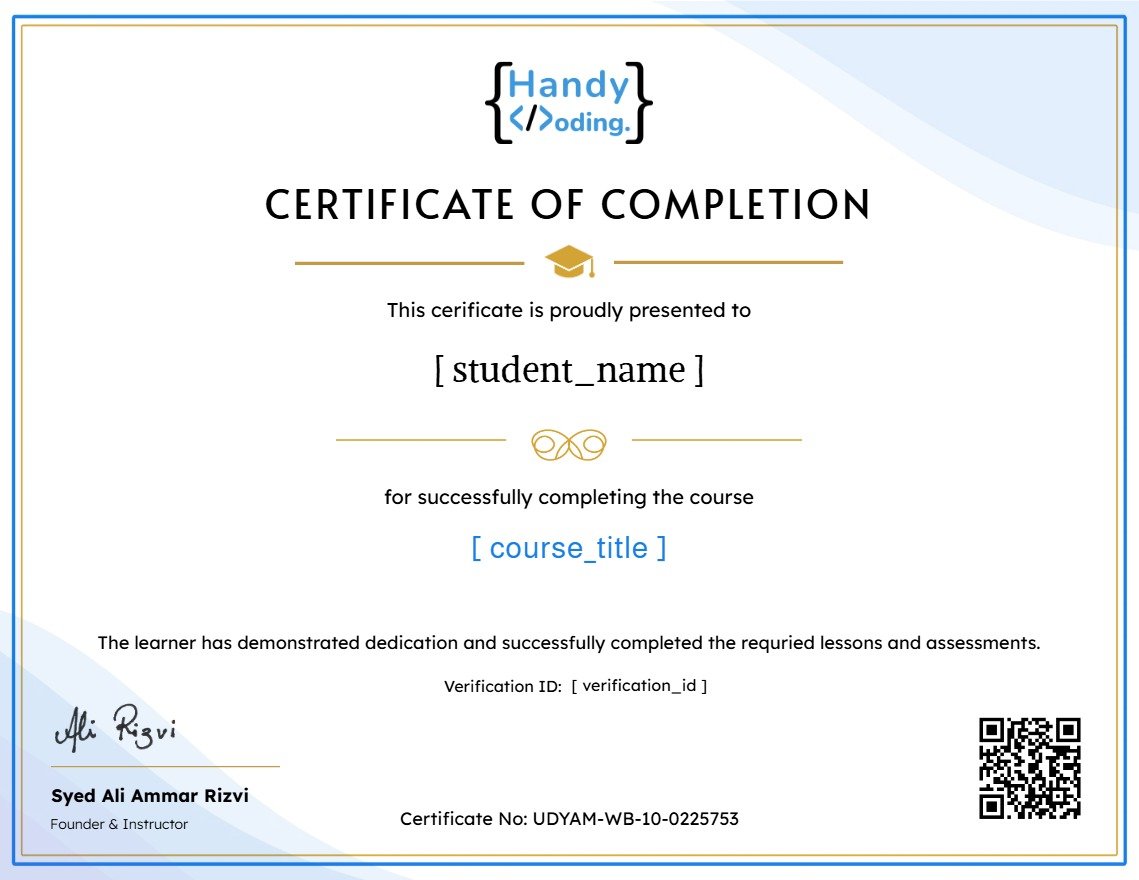
Certificate
Receive a certificate after successfully completing the course.
04
BEFORE YOU START
Course Requirements
No coding experience requiredThis course starts with the fundamentals and guides you step by step.
English skills are requiredStrong English skills are required to understand the captions, technical terminology, instructions, and course materials.
- A computer or laptop
- A stable internet connection
- Visual Studio Code or another code editor
- Basic computer operating knowledge
- Motivation and time to practise coding regularly
05
IS THIS COURSE FOR YOU?
Who Should Join This Course?
What Will You Achieve?
By the end of this course, you will be able to:
- Create well-structured websites using HTML5
- Design attractive web pages using CSS3
- Build layouts using Flexbox and CSS Grid
- Create mobile-friendly and responsive websites
- Build websites faster using Bootstrap 5
- Convert designs into functional web pages
- Inspect and debug websites using developer tools
- Create frontend projects for your portfolio
Start Your Frontend Development Journey
Learn to create professional, responsive, and accessible websites with Handy Coding.
Course Content
Introduction
-
Caution – HandyCoding
02:06 -
Meet Your Instructor HandyCoding
02:17 -
A High-Level Overview of Web Development
03:48
Starting the code
HTML
CSS
Bootstrap
Responsive
Q&A
Earn a certificate
Add this certificate to your resume to demonstrate your skills & increase your chances of getting noticed.
Student Ratings & Reviews